A Cold Calling Script That Writes Itself
By Réson
4 min read
In this article
A good cold calling script is short. It says who you are, why you're calling this person in particular, and asks one question. The hard part isn't writing it once. It's having the right version on screen, for the right lead, at a time when you're allowed to call, while you also log what happened.
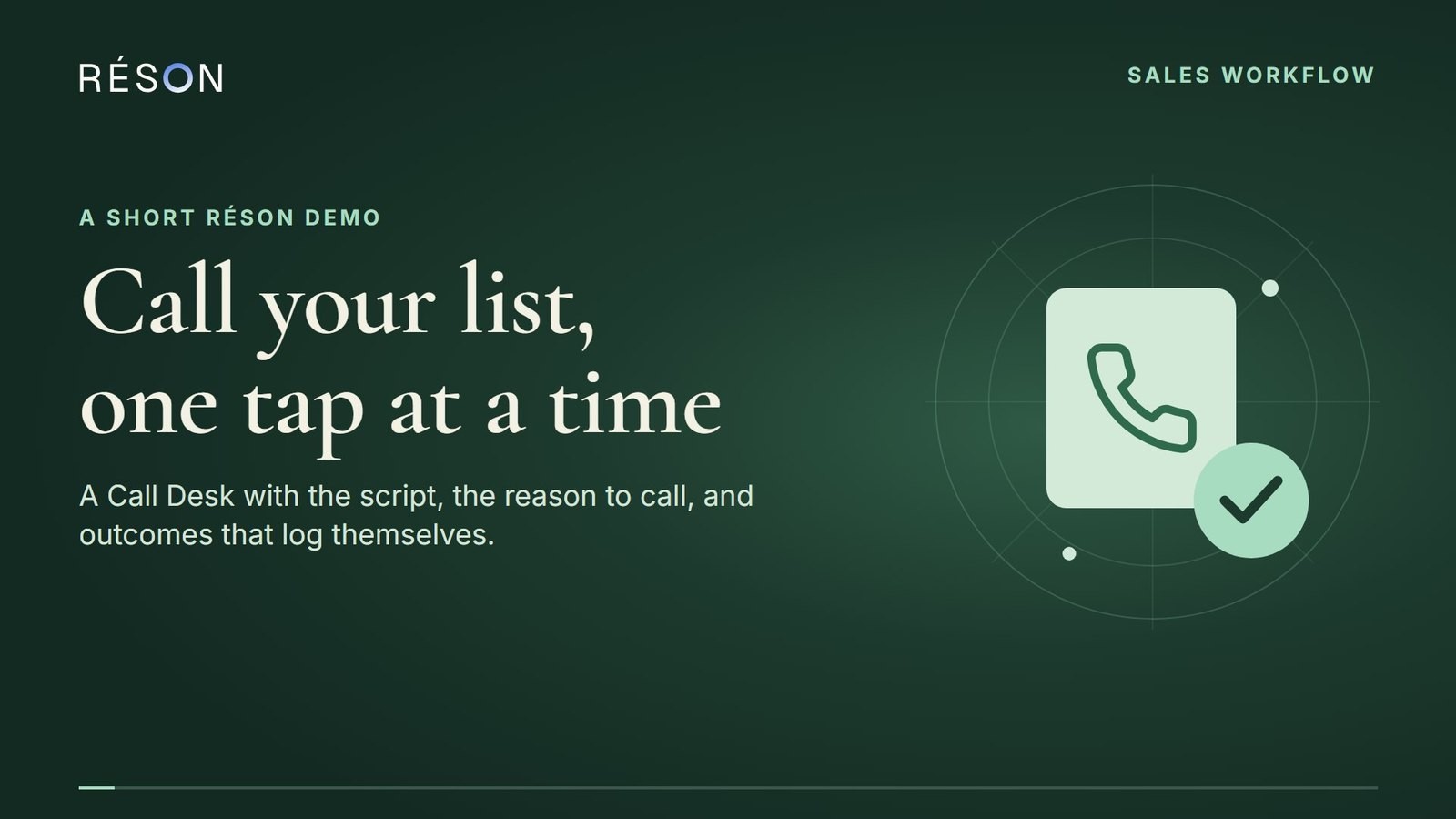
This guide walks through a calling session in Réson's Call Desk, with Eternal Gardens calling creator studios from a shortlist. The studios and people are made up. You make the calls yourself: Réson prepares the list and the script, and keeps the records.
Prefer a page with the transcript? Watch it on the Réson walkthrough page.
What a cold calling script needs
Most scripts that work have four lines.
- The opening: your name, your company, and a plain note if the call may be transcribed for your notes. Say it first, before anything else.
- One line on what you do, in words the other person would use, not your tagline.
- One question: something they can answer from experience, such as how they handle the problem you solve today.
- A small ask: a 20-minute call next week, not a demo, a contract or a decision.
Everything else belongs in your head, not on the page. A longer script makes you read instead of listen.
Let Réson write it from your business facts
Open the Call Desk from a shortlist by tapping Call these, then tap Write it for me above the script. Réson drafts the script from the facts you've already given it about your business: what you sell, to whom, and what makes you different. For Eternal Gardens, that means a line about giving original characters a home where fans can talk to them, instead of a generic pitch.
Two things stay fixed. The opening line with the disclosure always comes first, and the draft isn't saved until you choose to keep it. Edit any line you'd never say out loud. The script supports placeholders such as the contact's first name and your company, so one script reads naturally for every lead.
The other half of the screen is about the person you're calling. You see their company, their role and the reason they're on the list ("publishes an original webcomic with its own cast"), deduplicated so you don't read the same reason twice. That reason is often a better opener than anything in the script.
Calling hours are checked for you
The Call Desk only offers a lead when it is inside legal calling hours where that person is. It works out their time zone from the area code, including area codes that span two zones, and uses the stricter clock.
For Canadian numbers, Réson follows the CRTC's Unsolicited Telecommunications Rules: 9:00 a.m. to 9:30 p.m. on weekdays and 10:00 a.m. to 6:00 p.m. on weekends, in the recipient's time. For US numbers it uses an even narrower window, 9:00 a.m. to 8:00 p.m. on weekdays. If a lead is outside those hours, the desk says so and moves on, and you can come back later.
Numbers on your workspace's do-not-call list are skipped too. When someone asks not to be called again, tap Do not call, and that number is excluded from every future session. Calls to consumers have more rules, including national do-not-call registries in Canada and the US, so check what applies to your list.
Tap what happened, and the next lead is ready
After each call, tap one outcome: interested, not interested, call back, voicemail, no answer, busy, wrong number or do not call. Add a note if there's something worth remembering. That's the whole log.
Each outcome does something:
- Interested opens your calendar's free times so you can book the meeting on the call.
- Voicemail can start an approved follow-up email, so the studio hears from you in writing too.
- Call back asks when, and sets a follow-up for that time.
- Outcomes update the deal stage and add a row to your Google Sheet's Activity tab.
Then the next studio is on screen. No tabs to switch, no spreadsheet to update.
Call from your phone, or bring your own Twilio
The simplest way is your own phone: the desk shows the number as a tap-to-call link, and you report the outcome afterwards.
If you'd rather call from your computer with a headset, connect your own Twilio account. Calls then go out from the browser tab, from your Twilio number, and Twilio's charges go on your account. There's also a bridge mode where Twilio rings your phone first and then connects the lead. Either way, a person is on the line for every call. Réson doesn't place automated or prerecorded sales calls.
A calling session in practice
Here's how Eternal Gardens runs an hour:
- Pick the ten best studios from Lead Finder and tap Call these.
- Read the reason for the first studio, then the script once.
- Call. Tap the outcome. Add a one-line note.
- Repeat until the hour is up or the list runs out.
Because nothing has to be looked up or typed between calls, an hour goes a long way. At the end, the ones who didn't answer get a follow-up email, the interested ones have a meeting on the calendar, and nobody had to type a call log.
Try it on your own list
Find ten leads with one sentence in Lead Finder, open the Call Desk and tap Write it for me. You can see the rest of the workflow in the Réson walkthrough videos or on the outreach features page.
Frequently asked questions
Does Réson make the calls for me?
No. A person is on the line for every call. Réson prepares the list and the script, checks calling hours and records the outcome.
What calling hours does the Call Desk use?
For Canadian numbers, 9:00 a.m. to 9:30 p.m. on weekdays and 10:00 a.m. to 6:00 p.m. on weekends, in the recipient's time zone. For US numbers, 9:00 a.m. to 8:00 p.m. on weekdays.
Do I need Twilio?
No. You can call from your own phone. Connect your own Twilio account only if you want to call from the browser with a headset; Twilio's charges go on your account.
Sources
- CRTC Unsolicited Telecommunications Rulescrtc.gc.ca
- National Do Not Call List (Canada)lnnte-dncl.gc.ca
- National Do Not Call Registry (US)donotcall.gov
- Twilio Voice documentationtwilio.com
About the author
Réson
Réson is an AI marketing workspace for small businesses. It learns your business from your website, drafts posts, campaigns and articles, and waits for your approval before anything goes out.