How We Replaced 20 Article Cover Images in Réson
A production walkthrough for a small team refreshing a live blog without breaking its article links.
By Réson Editorial
3 min read
In this article
When a small team refreshes a blog, it has two jobs. The images need to look good together, and the existing pages need to keep working. We tested that workflow on all 20 published articles in the Eternal Gardens Journal, a publication hosted in Réson. Each article received a new horizontal illustration and a description of what the picture shows.
The work began with a specific problem. A vertical character card centered on a blurred background technically fills a wide slot, but the padding takes up most of the space. On a phone, a reader can see a collection of similar-looking rectangles before they can tell one article from the next. We wanted each cover to read as a scene at the size of a thumbnail.
Plan the series as a set
We chose a shared visual treatment and gave every article a different setting. The Michael Faraday article could live in a laboratory with coils and warm light. The Hildegard article could look out across an abbey and its gardens. An Arthur article could open onto a lake at dusk. The settings gave readers a first clue about each piece without asking the image to spell the title. We use the same method for written copy in our AI brand voice guide: keep the rules stable and give each piece a specific job.
We used the same four-part brief for each cover.
- Subject. Name one place or action a reader can recognize from the article.
- Composition. Ask for a full-width landscape at 16:9, with the most important subject near the center.
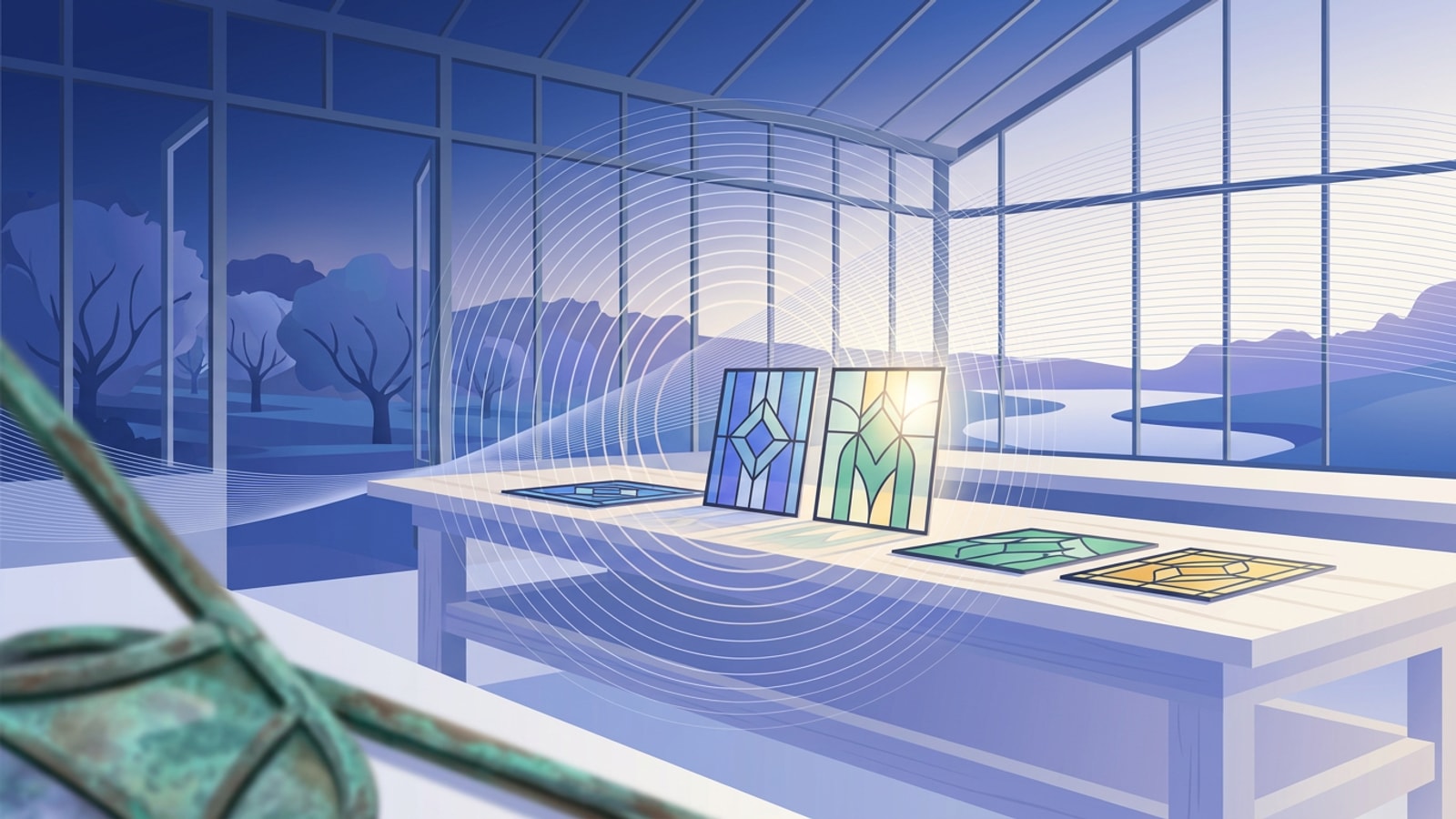
- Continuity. Carry a consistent stained-glass treatment through the set and vary the palette, time of day, and viewpoint.
- Delivery. Check the cover at full size and in the actual blog card. Add a short description of the scene.
If one phrase in a brief matters most, put the composition near the start. The art should fill the frame. In a grid, the viewer sees silhouettes and areas of contrast long before fine ornament.
Try the article card crop before you approve
The article cover slot and the listing card can crop the same image differently. A picture that works at 1600 × 900 can still lose a face or a key object when the card takes a shallower slice. We previewed the covers together at the narrower listing crop and checked whether the subject still read clearly and the crop left room around it.
Use the smallest real surface you publish to as the check. For the Journal, the comparison view was the listing card. For a newsletter, the important crop might be the one in the mobile inbox. The format in the editor tells you what you uploaded. The surface the audience sees tells you whether the image works.
Write descriptions after you see the art
We wrote the alt text for the finished image. A cover titled “Was King Arthur Real?” can show a figure, a boat, and a moonlit lake. Its description can name those visual details in a sentence. The article title already tells the reader the subject of the page.
Google’s image guidance recommends descriptive alt text and putting images in the context of relevant page content. Treat the text as part of the reading experience. If the cover illustrates a legend or an imagined scene, make that clear when the distinction matters to the article.
Verify the published page and image
We opened the live article pages and checked that each one displayed the intended new asset with its description. We also checked that the image requests succeeded. The article URLs and bodies were kept in place. We verified new 1600 × 900 covers on all 20 live pages.
For your own refresh, make a row for each URL and record the intended cover, the actual live cover, the description, and the card crop. If someone else approves the work, give them one view of the full set and a way to open the individual article. This check catches a saved draft that never reached the public page. If the refresh is part of a larger rollout, use the workflow in our AI content calendar guide to assign the review dates and keep the original publish dates visible.
Search performance is a separate measurement. Record the refresh date and compare impressions, clicks, and click-through rate for the same pages after Google has had time to recrawl. The release date gives you a clear point of comparison for that later measurement.
See the Eternal Gardens Journal covers or explore how Réson creates and reviews branded content. For the wider Eternal Gardens experience, explore its stories and worlds.
For an example of a cover that introduces a scene you can enter, play Solène Riveclaire’s cinema mystery. The theater cover sets the location before your first choice.